Keep your notes in one place, and see the patterns that show up in them.
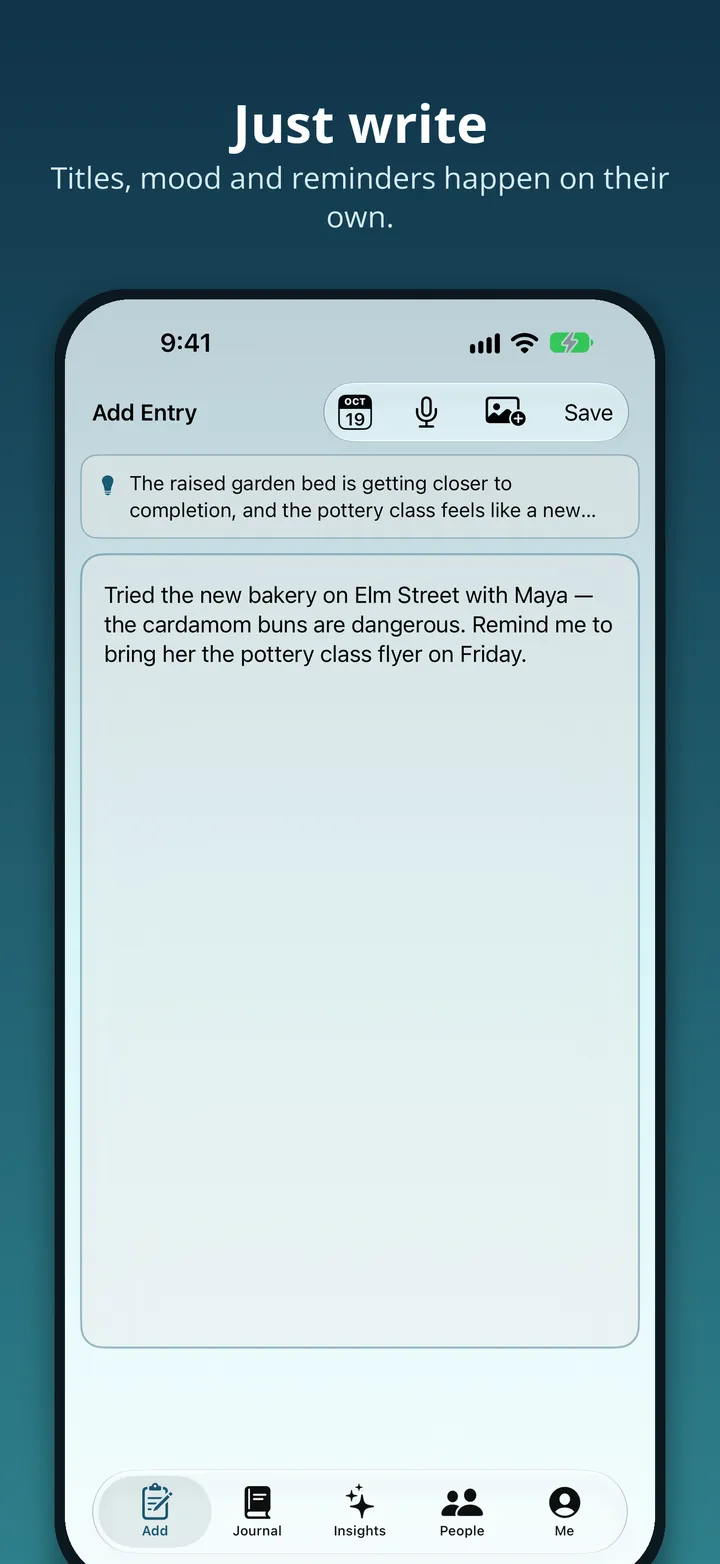
Thoughts Cove is a journal for your thoughts, feelings and daily experiences, typed or dictated as a voice note. It charts how you've been feeling over weeks and months, and a daily prompt gives you somewhere to start when you don't know what to write.
There's no account to make. Tap Start journaling and you're straight in.
iPhone · iOS 27 or later
Your entries are stored on the device, and Apple Intelligence does the work right there too: titles, mood, reminders, photo notes. None of it is uploaded to a server to be processed, and there's no account holding your journal.
Click to expand
Watch the tour · 43 sec · no sound
No account needed. Open the app, tap Start journaling, and begin. There's nothing to sign up for and nothing to set up first.
Everything is kept on the device, so your entries never leave it. They're included in your normal iPhone and iCloud backup, like anything else on the phone.
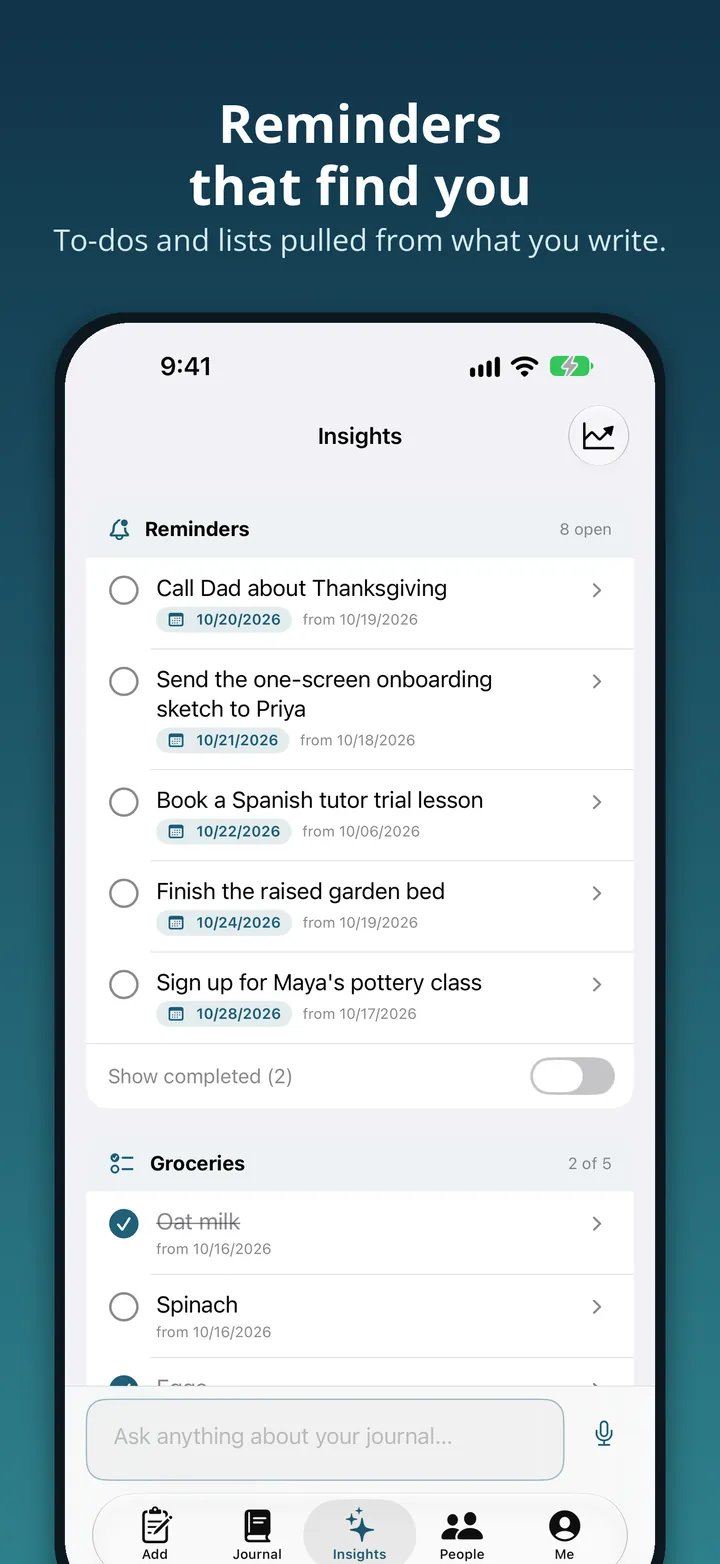
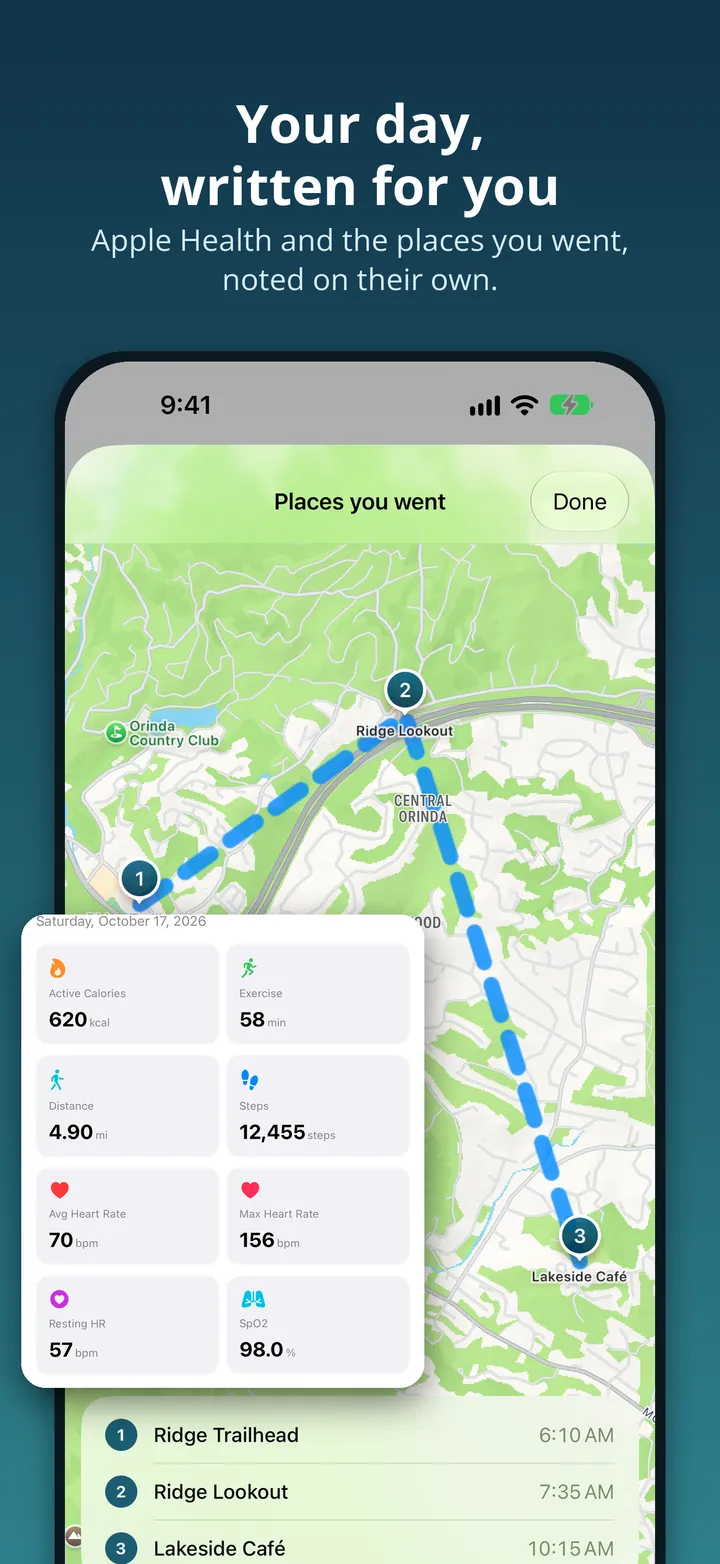
Apple Intelligence writes your entry titles, reads mood and sentiment, picks out the reminders and tasks buried in what you wrote, and adds photo notes, all on the phone.
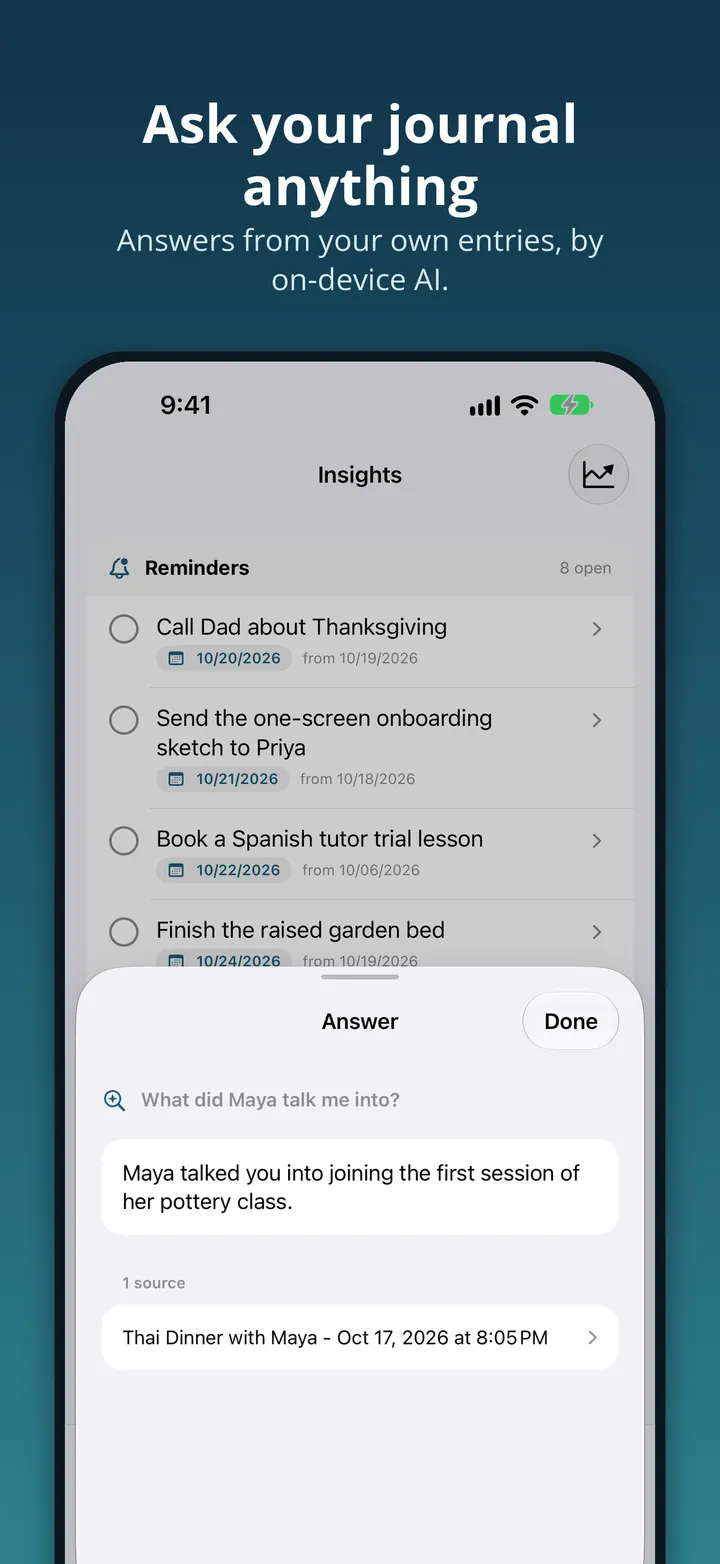
Ask questions about your journal and get answers drawn from Spotlight search across your own entries.
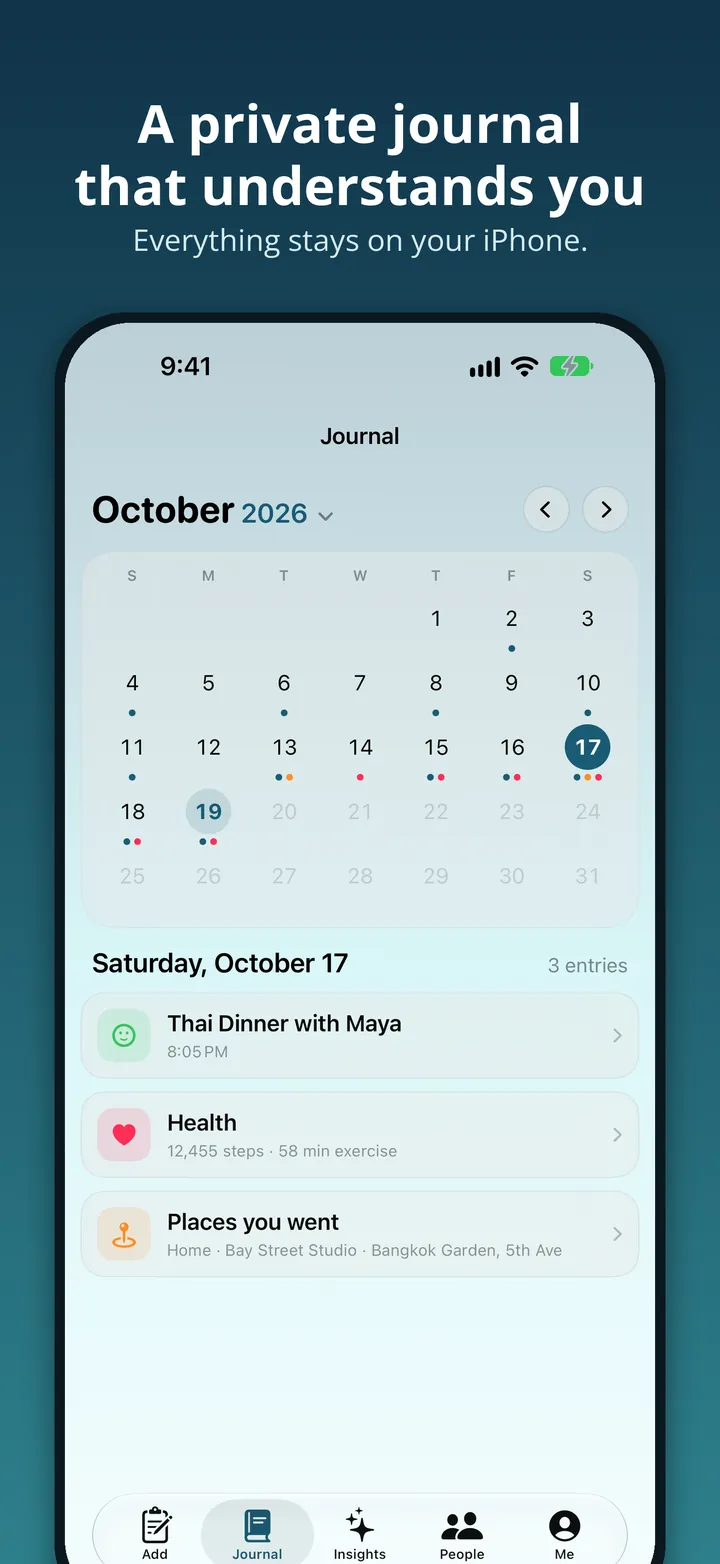
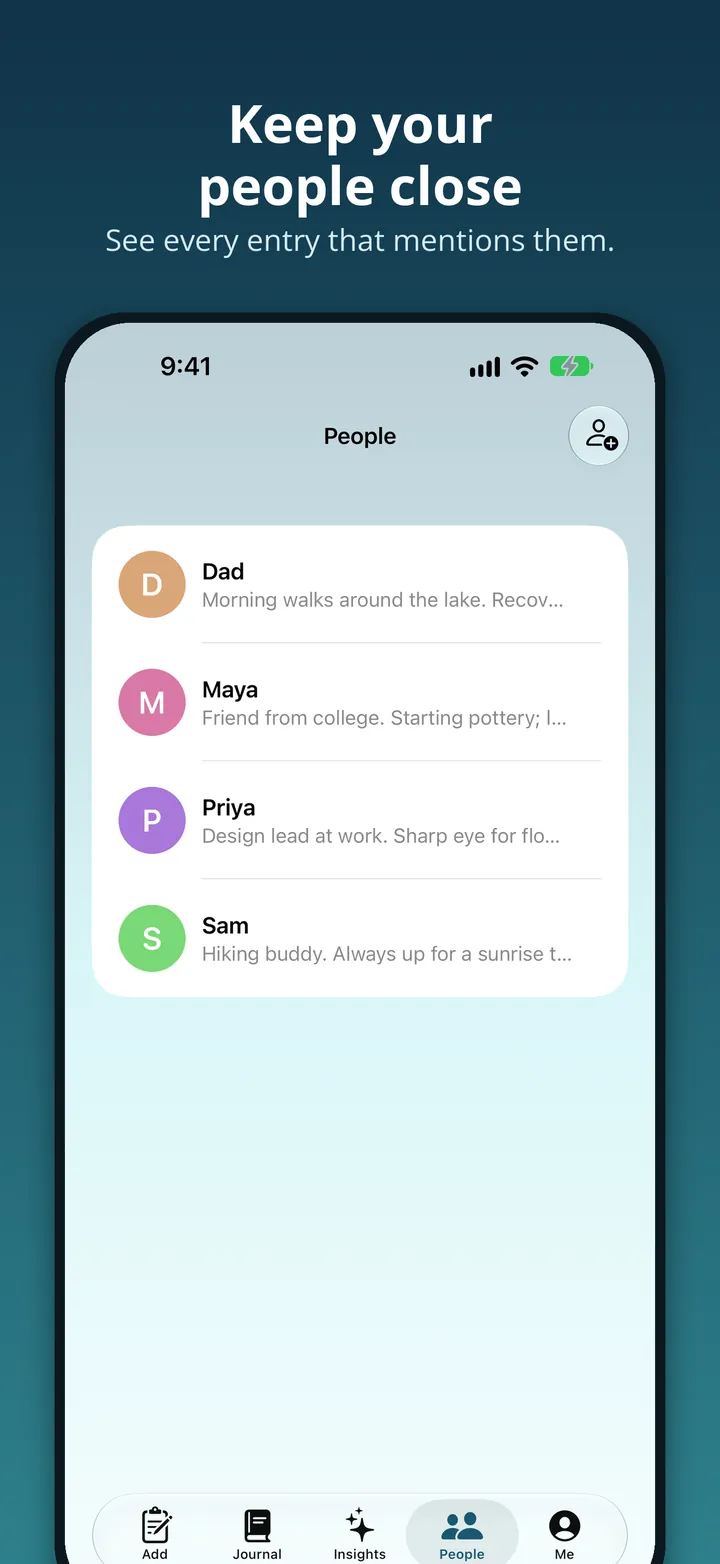
A journal calendar, reminders, and the people you mention, plus stats such as how many entries you've written and how often you write.
On a phone that doesn't have Apple Intelligence, the app still works, with the AI features switched off.
The server-backed version: an account, the web app alongside iPhone, and AI processing that runs on the server. New sign-ups aren't open yet. If you already have an account, sign in exactly as before.
Account · web + iPhone
Click to expand
Also on your phone
Watch the tour · 40 sec · no sound
Search your notes and memories by asking for what you want. It turns up a specific memory, a pattern in what you keep writing about, or how your mood has moved over time.
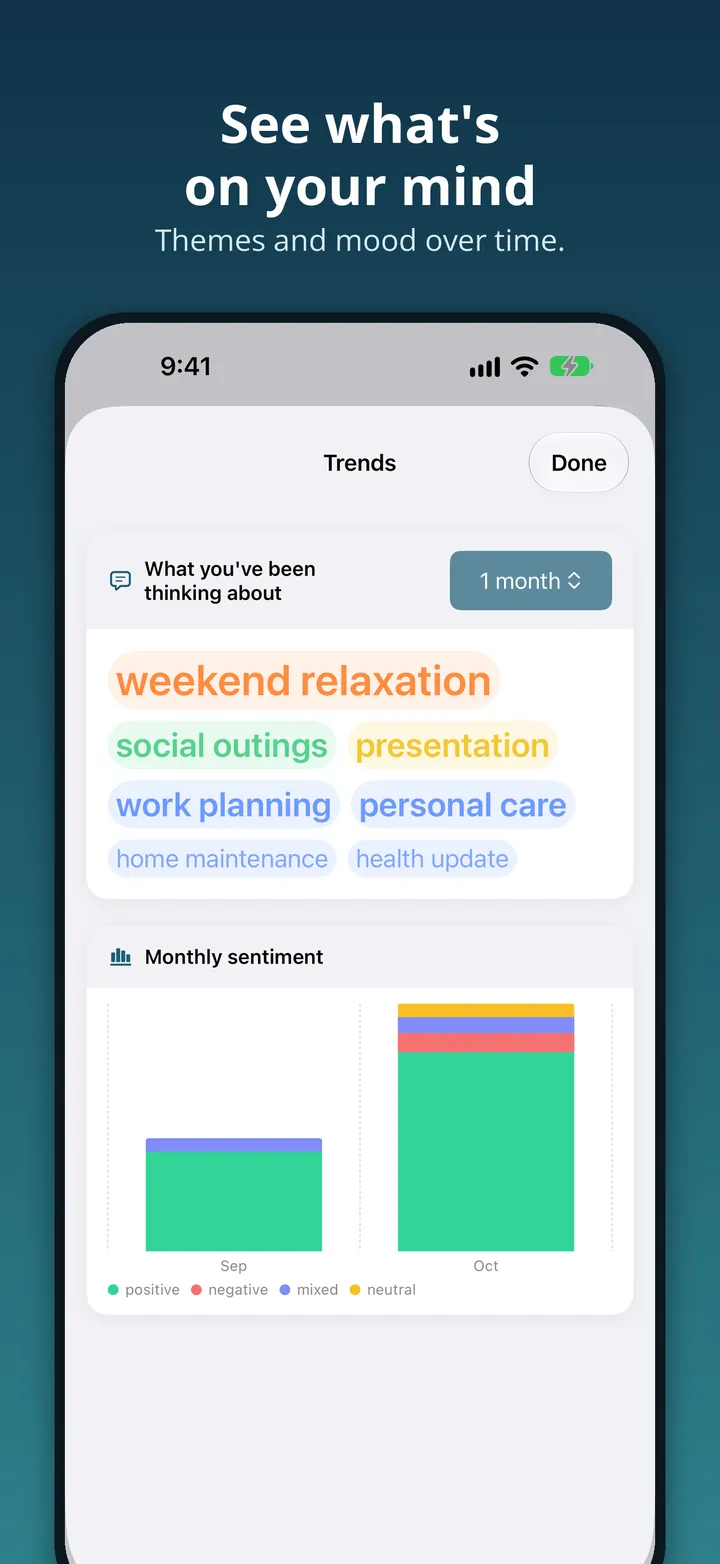
Charts of how you've been feeling over days, weeks and months, and where the shifts happened.
A prompt each day gives you somewhere to start, which makes it easier to write regularly rather than only when something happens.
Add a photo and the app reads what's in it, so the picture becomes part of what you can search. Ask a question about an image and get an answer back.
February 2024 – December 2025. The React app and a Python Tornado server ran in Docker on one AWS EC2 instance, with Cognito, DynamoDB and S3. Search was LangChain over a Chroma database per user, kept on the instance's disk and rebuilt from S3 after every save. In git: LangChain + Chroma, Jan 2024 · the “Deploy to EC2” workflow, Feb 2024.
December 2025 – August 2026. Search moved to one Qdrant collection filtered by user, updated one entry at a time. The server moved to Google Cloud Run behind CloudFront; the data stayed on AWS. In git: Chroma replaced by QdrantFacade, 16 Dec 2025 · production on Cloud Run (tc-server, us-central1) by May 2026 — the exact switch date isn't recorded.
August – October 2026. The same server left Cloud Run for Docker Compose on a home machine, reached through a Cloudflare Tunnel; CloudFront, Qdrant, OpenAI and the AWS data stores stayed. In git: deploy-server.sh “replaces the Cloud Run flow”, 19 Aug 2026.
Since 27 October 2026, at thoughtscove.com. One Cloudflare Worker serves the app and the API; each user's journal, search vectors and limits live in their own Durable Object, photos in R2, with Google or Apple sign-in. No EC2, Cloud Run, Qdrant or AWS data stores. In git: “Add Cloudflare Worker backend”, 26 Oct · deployed to thoughtscove.com, 27 Oct 2026.